
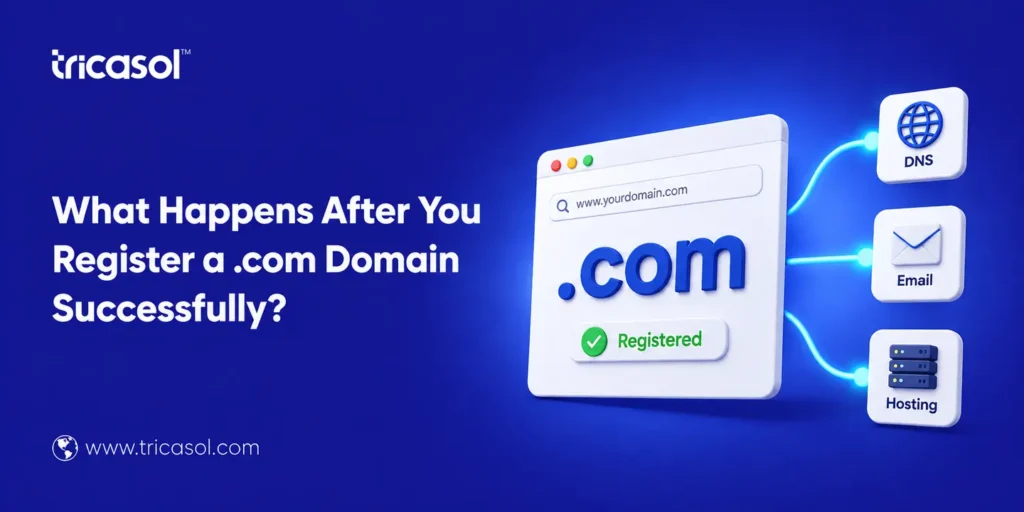
After you successfully register a .com domain, you gain immediate access to setup tools. This includes DNS management, email configuration, and website hosting connection options. Businesses expanding internationally also consider to register .com domain. Understanding these next steps helps new domain owners move forward confidently.
Excitement After Registering a .com Domain
Getting hold of your very first domain name is an achievement worth celebrating for a business. Upon registering a .com name, there are additional procedures you must complete.
Many new domain name owners are left confused about the steps that come after purchasing a domain name. Knowing what these procedures are allows you to prevent delays in launching your website. In this guide, we discuss the common steps that occur after registering a domain name.
Confirmation and Account Access
The first thing you receive is a confirmation email from your registrar. This email confirms your domain registration and provides account access details.
You can then log into your domain management dashboard immediately. This dashboard becomes your control center for managing every domain setting. From here, you handle renewals, DNS records, and contact information updates.
Setting Up DNS Records Correctly
DNS records serve as a bridge connecting a domain name to its website content. Once your .com domain is registered, you need to configure these records. In this way, the domain is successfully directed to the hosting company’s servers. Without this setup, people searching for the domain may be unable to access the website. Most registrars offer simple tools to assist you through this process.
Why Does DNS Propagation Take Time?
DNS changes don’t take effect instantly across the entire internet. This process, called propagation, can take anywhere from a few hours to 48 hours.
During this window, some visitors may see your site while others don’t. This normal delay simply reflects how internet servers update information globally. Patience during this stage helps avoid unnecessary confusion or worry.
Connecting Your Domain to Hosting
Your domain needs a hosting provider actually to display website content. Many businesses choose bundled domain and hosting packages for simplicity.
If you register .com domain separately, you’ll need to connect hosting manually. This typically involves updating nameservers within your domain management dashboard. Once connected, your website becomes accessible to visitors worldwide.
Setting Up Professional Email Addresses
A registered domain also allows you to create professional email addresses. Instead of generic email providers, you get addresses like [email protected].
This professional touch immediately builds trust and credibility with customers. Most registrars offer simple email setup tools within the same dashboard. Taking this step early strengthens your brand’s professional appearance from day one.
Protecting Your New Domain
Domain security matters significantly once your registration completes successfully. Enabling privacy protection hides your personal contact information from public records.
This feature prevents spam and reduces risks of unwanted solicitation attempts. Many registrars also offer domain locking to prevent unauthorized transfers. These protective steps safeguard your investment right from the beginning.
Planning for Renewal Early
Domains require renewal to remain active and under your ownership continuously. After you register a .com domain, mark your renewal date somewhere memorable.
Missing a renewal can result in your domain being unexpectedly taken by others. Setting up auto-renewal removes this risk and significantly simplifies long-term management. This small step protects years of branding and marketing investment.
Comparison: What to Expect at Each Stage
| Stage | What Happens | Typical Timeframe |
| Confirmation | Receive registration email and account access | Immediate |
| DNS Setup | Configure records to point to hosting | Minutes to set up |
| Propagation | Changes spread across global servers | Up to 48 hours |
| Hosting Connection | Website becomes live and accessible | Hours after DNS updates |
| Email Setup | Professional email addresses created | Same day, typically |
Considering International Expansion
Some businesses eventually expand into new regional markets. This growth sometimes involves registering region-specific domain extensions as well.
For example, businesses entering the Australian market often need to renew a .com.au domain later. This extension helps signal local presence and builds regional customer trust. Planning for this expansion supports smoother long-term growth.
Keeping Records Updated
Your domain registration information should always stay accurate and up to date. Outdated contact details can cause problems during renewal or verification processes.
Regularly reviewing your account information helps avoid unexpected registration issues later. This small habit protects your domain from accidental expiration or disputes. Set a reminder to review these details every few months.
Practical Tips After Registration
Consider these tips right after you successfully register a .com domain.
- Set up DNS records promptly to connect your domain to your hosting provider.
- Enable domain privacy protection to shield your personal information.
- Turn on auto-renewal to avoid accidentally losing your domain.
- Create professional email addresses using your new domain name.
- Keep contact and billing information up to date in your account.
- Plan: you’ll need a .com.au domain renewed later.
Following these steps helps new domain owners avoid common early mistakes. This preparation supports a smoother launch and long-term domain management.
How Does Tricasol Support You After Registration?
At Tricasol, you can register .com domain names and manage everything in one place. We support .com.au domain renewal services for businesses expanding regionally.
Tricasol’s Domain Manager dashboard simplifies DNS setup, renewals, and email configuration. This all-in-one approach helps new domain owners move forward without confusion.
FAQs
1. What is the first thing that happens after I register a .ca om domain?
You receive a confirmation email and gain access to your management dashboard. This dashboard lets you configure DNS, email, and renewal settings.
2. How long does it take for my domain to work?
DNS propagation typically takes a few hours, sometimes up to 48 hours. This delay is normal and reflects how internet servers update globally.
3. Do I need to connect hosting separately after registration?
Yes, unless you purchased a bundled package, you’ll need to connect hosting manually. This usually involves updating nameservers in your dashboard.
4. Why should I set up professional email after registering my domain?
Professional email builds trust and credibility with customers immediately. It also strengthens your brand’s overall professional appearance.
5. What happens if I forget to renew my domain?
You risk losing ownership, and someone else could register it instead. Enabling auto-renewal prevents this common and costly mistake.
6. When would I need to renew .com.au domain?
This applies if you register or maintain a domain targeting Australian customers. It’s relevant for businesses expanding into that regional market.
Your Domain Journey Has Just Begun
Completing registration is just the first step in your online journey. Once you register .com domain, DNS setup, hosting, and email configuration follow naturally. Businesses expanding regionally should also plan for a .com.au domain renewal.
Tricasol supports this entire process through simple, reliable domain management tools. Contact Tricasol today at 042 5151200 to get expert help every step of the way.
